Smart classrooms
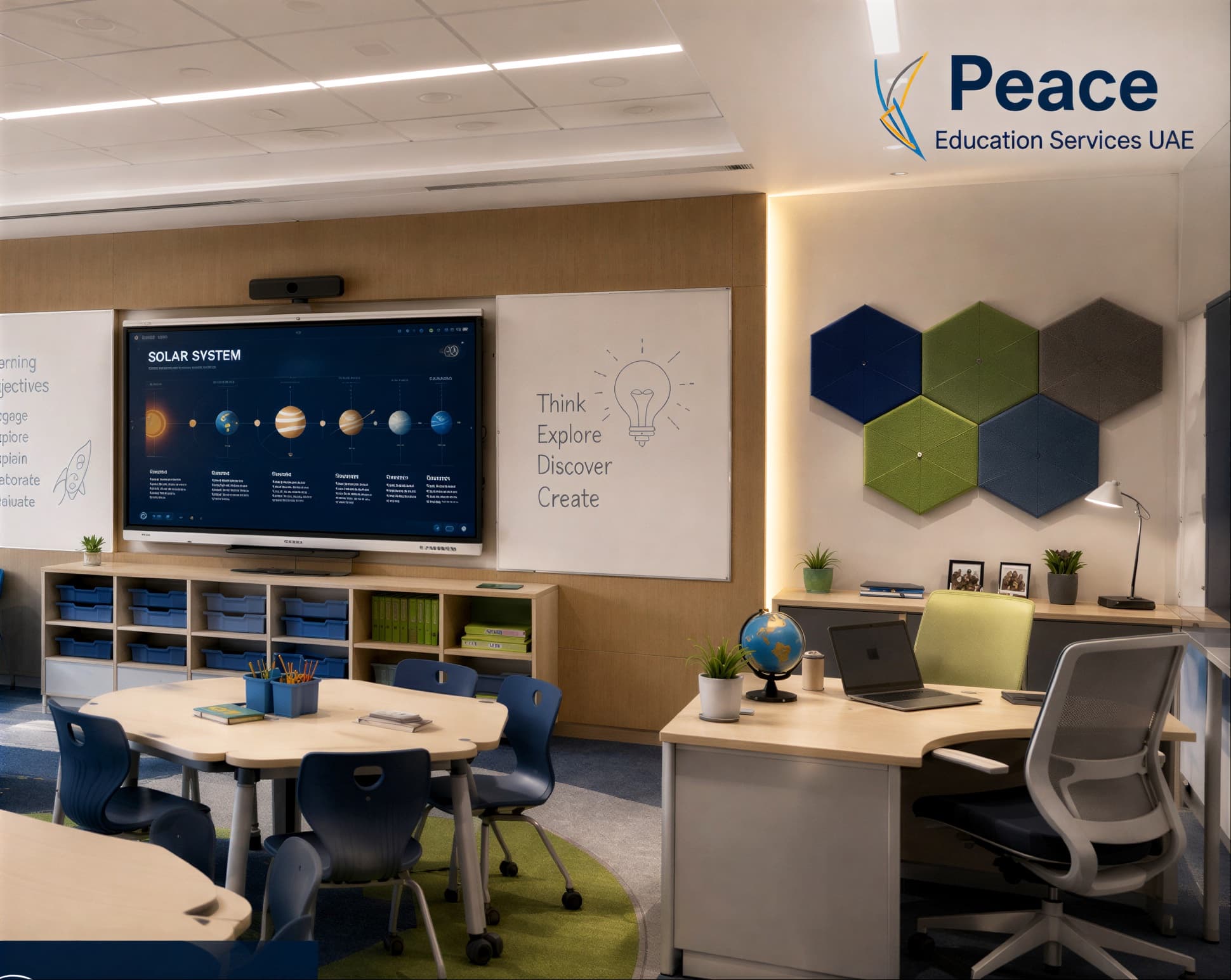
Panel, audio, mounting, power and connectivity specified as a room rather than as a product, so the lesson works from the first day.
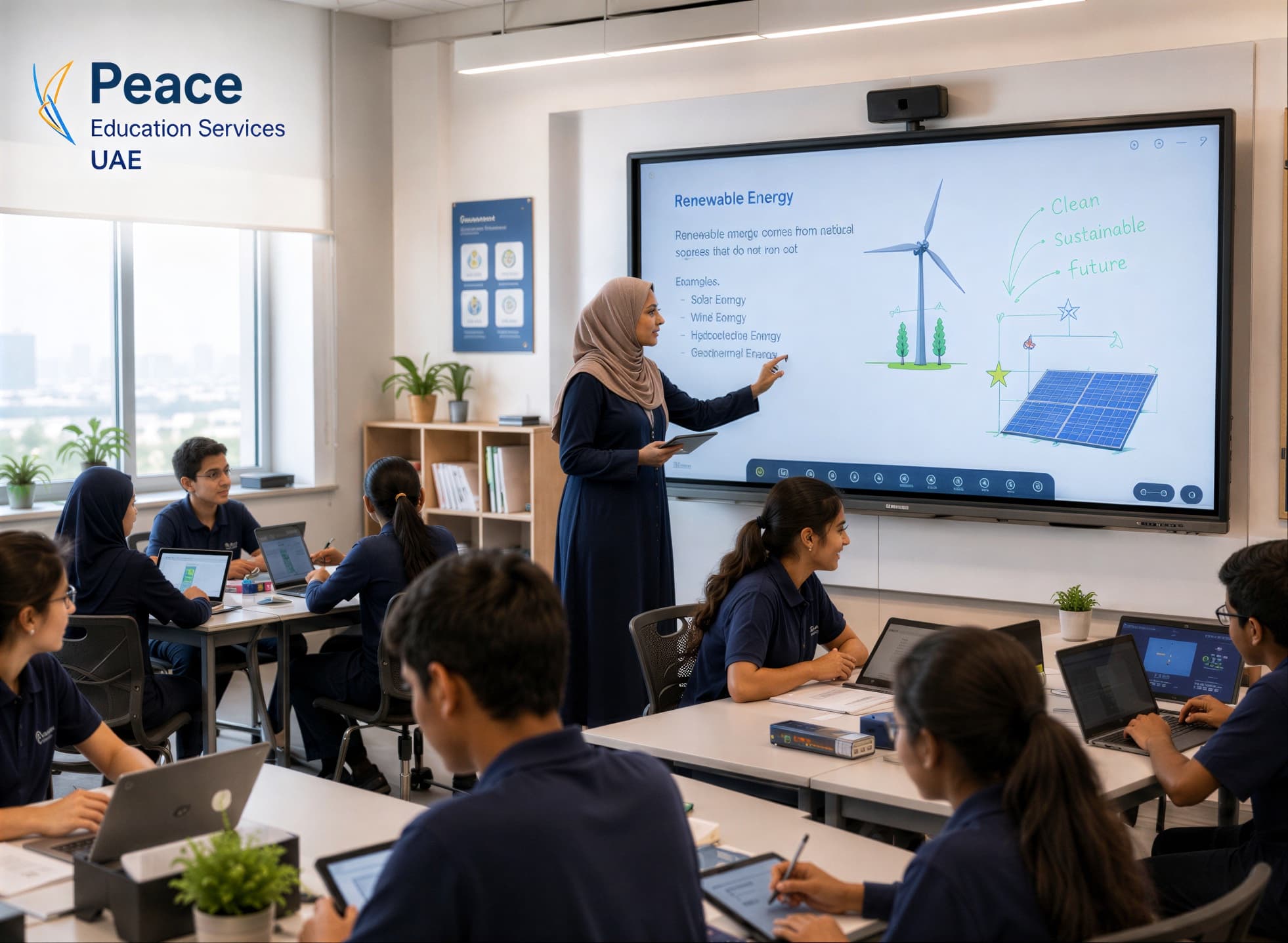
The panel on the wall is the easy part. We specify, install and train for the version where teachers are still using it in March.
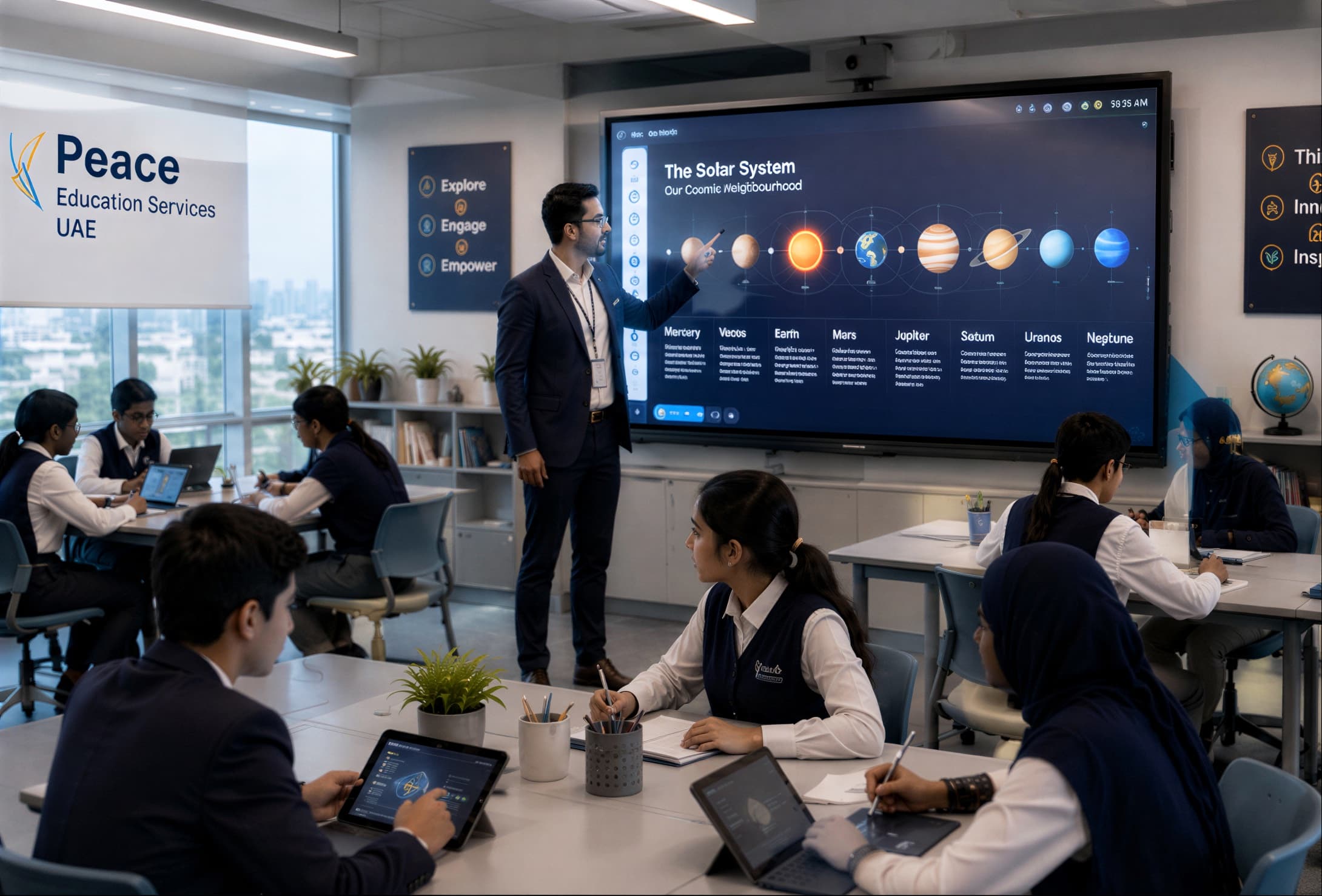
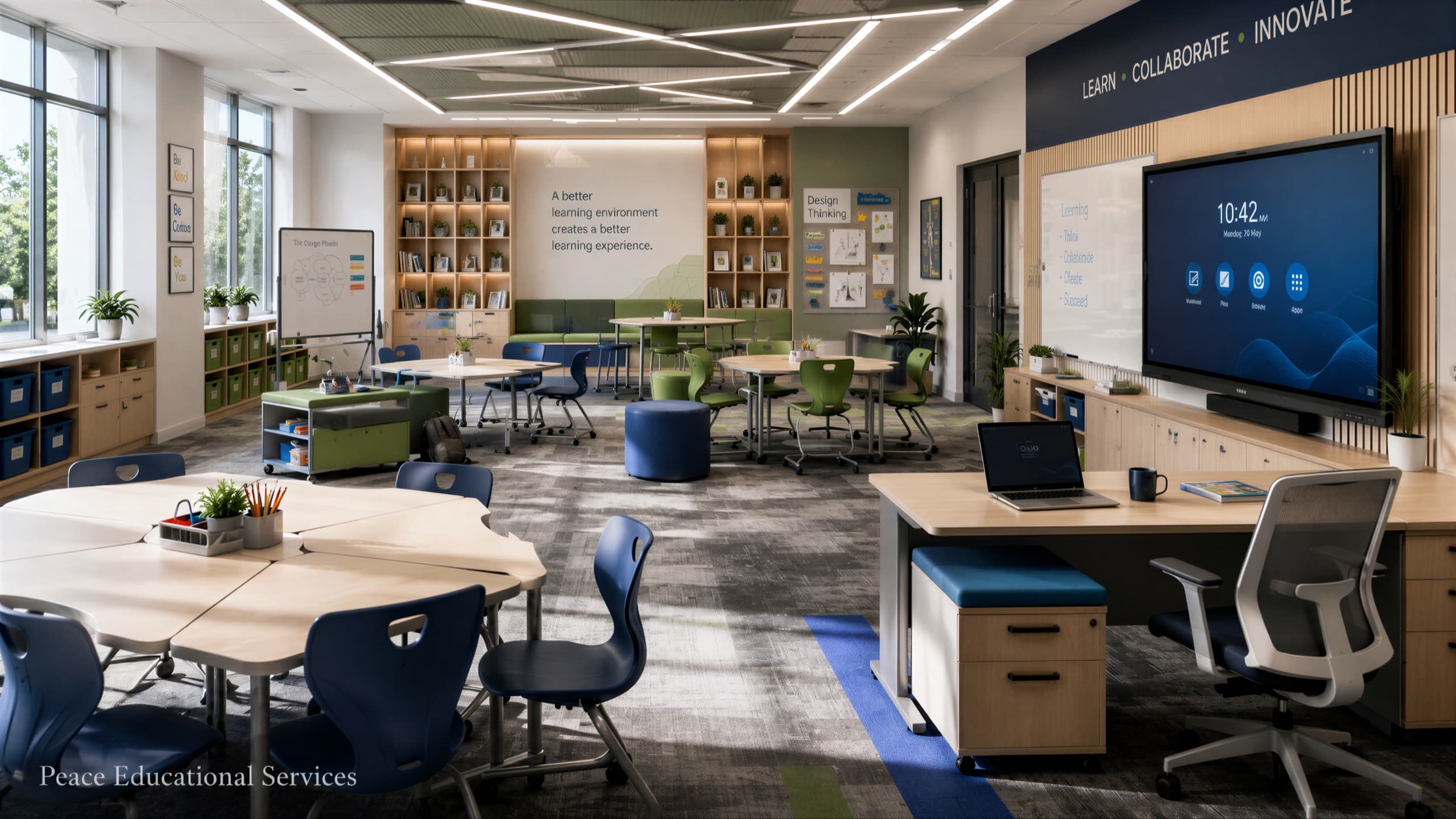
Technology
The service
Every school has a story about technology bought with enthusiasm and used as a whiteboard within a term. The failure is rarely the hardware. It is training that stopped at installation, content that did not match the curriculum, and an administrative system nobody owned.
We treat educational technology as three coupled decisions — classroom hardware, learning platform, and school management system — and we insist on the fourth thing that makes them work, which is a training and support plan with names against it.
Coverage
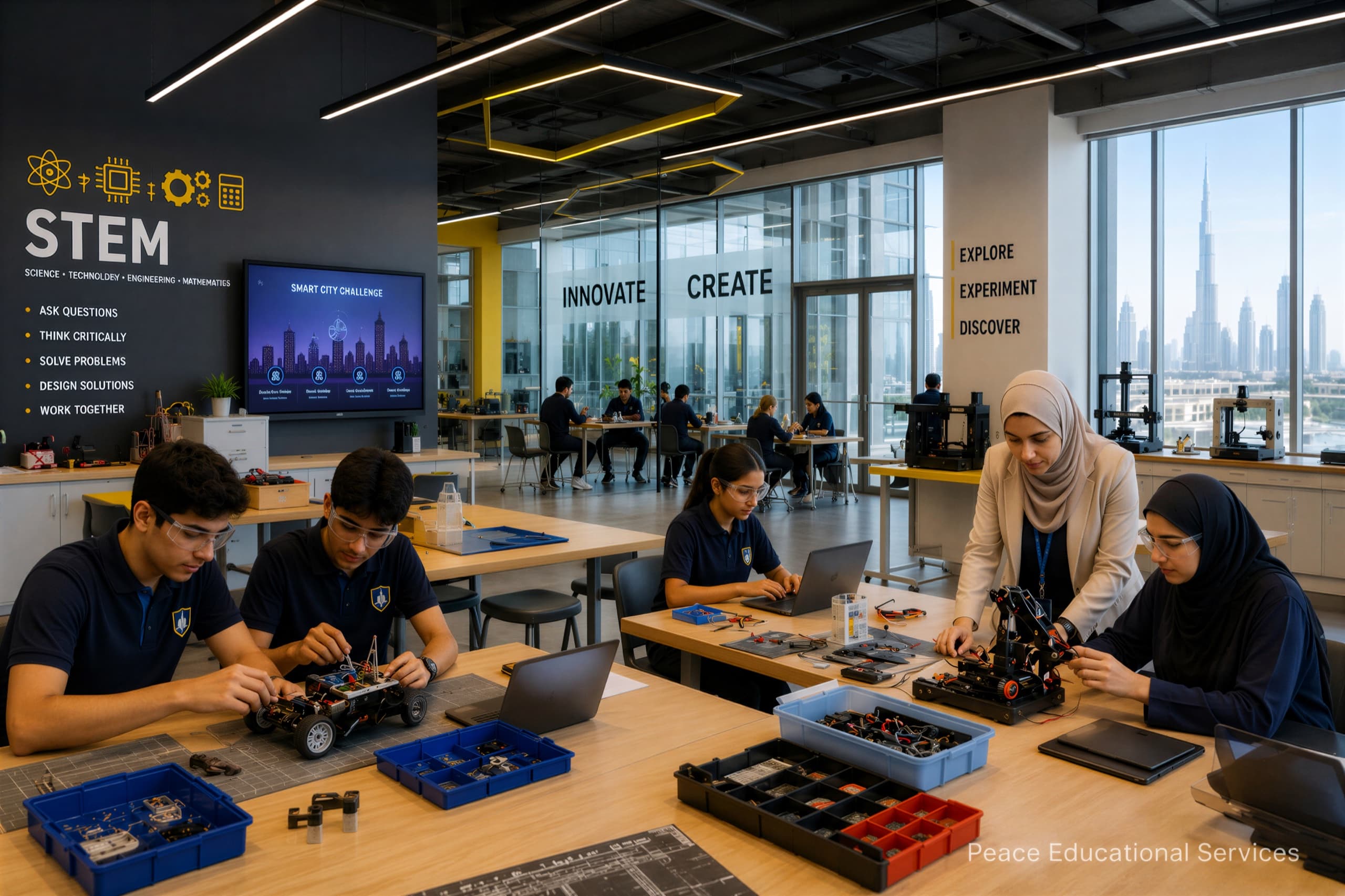
Eight strands of work, each one explained and pictured. Take the whole of it, or the one strand your school is short on.
Panel, audio, mounting, power and connectivity specified as a room rather than as a product, so the lesson works from the first day.
Panels sized and mounted to the actual room and sightlines, with the software teachers will use configured before handover.
Platform selection, structure and rollout so assignments, resources and feedback live in one place students can find.

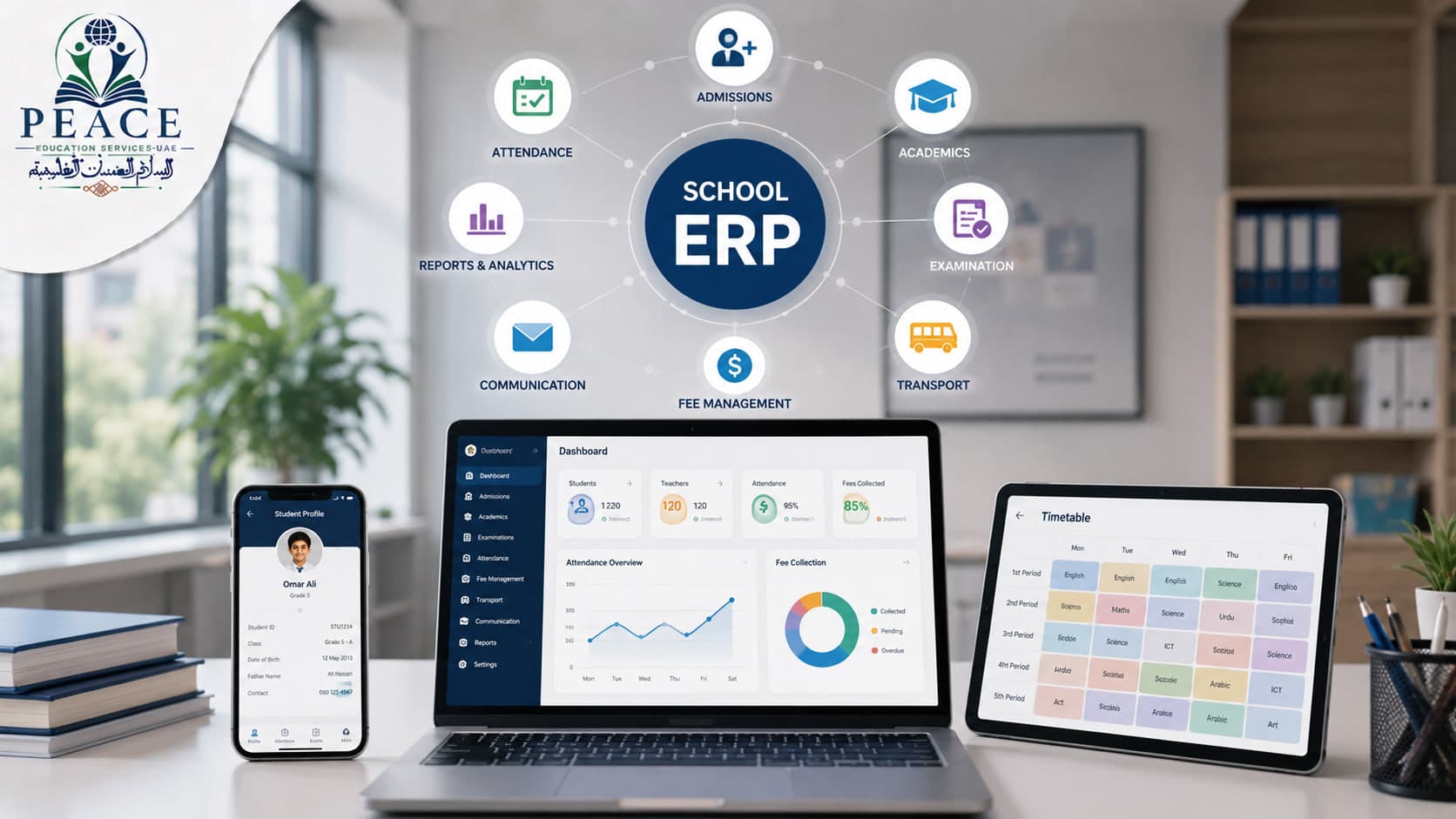
Admissions, attendance, timetabling, fees and reporting, chosen against how your office actually works and migrated with your data intact.
Curriculum-aligned digital content and practice platforms, evaluated against your syllabus rather than against a sales demonstration.

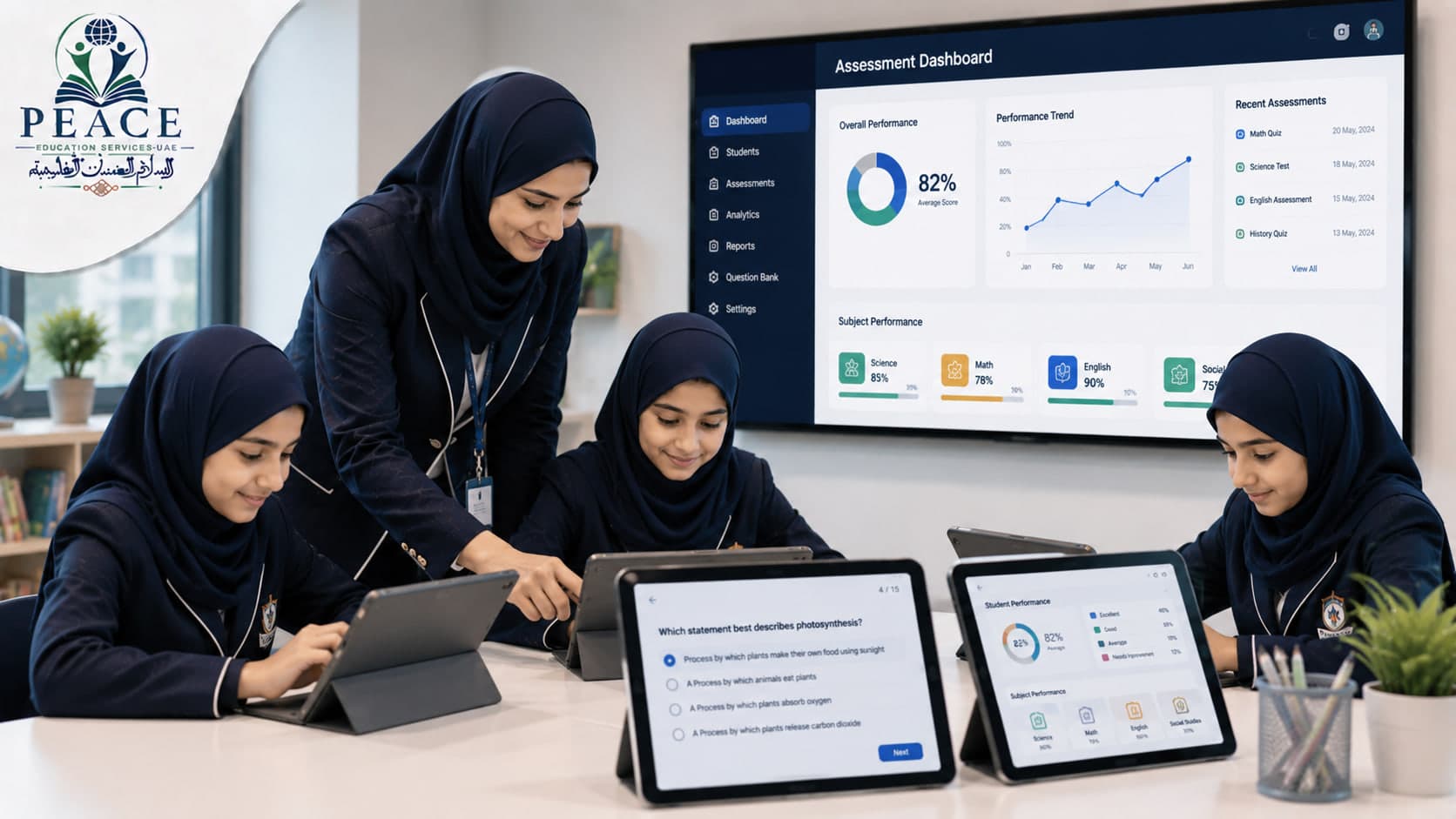
Online assessment, question banks and analytics that produce information a head of department can act on in a meeting.
Where AI genuinely saves teacher time — planning support, marking assistance, differentiation — introduced with a policy on what it may and may not be used for.

The training, champions and support route that decide whether any of the above is still in use six months after installation.

Deliverables
Deliverables, not intentions. Each of these is a thing that exists at the end of the engagement and can be pointed at.
Hardware, platforms and network requirements written down as a specification you can tender against.
Mounted, connected, configured and tested with a real lesson before handover.
Where an ERP or LMS is involved, your existing data moved in and checked, not left for the office to retype.
Training sessions, in-school champions and a support route, with dates and names.
Looking ahead
Every school has been sold technology it does not use. Our test for an AI tool is the same one we apply to a panel or a platform: what does it do on a Tuesday, who has been trained on it, and what happens to the data.
Feedback on written work drafted against the school's own rubric, with a teacher reviewing, correcting and signing every piece before a child ever sees it.
What that looks like
Thirty essays returned the next day, with comments a teacher agreed with rather than typed from scratch.
Attendance, assessment, fees and behaviour brought into a single view, with plain-language questions answered off it.
What that looks like
“Which Year 7 pupils missed more than four mathematics lessons this term?” answered in a sentence.
Where pupil data sits, who may see it, what a vendor is allowed to train on and how it is deleted — settled in the contract, not after a parent asks.
What that looks like
A one-page data note for every system, in language a governor can read.
In development, and labelled that way deliberately. Ask where each of these stands when you enquire — we will tell you what is running, what is being built and what is still on the bench.
The route
The same five stations every project travels, applied to technology.
You tell us the rooms, the systems you already run, and what has previously failed to get used.
An itemised quotation covering hardware, licences, installation and training as separate lines, so nothing hides inside a bundle.
A working demonstration in your building with your teachers, before a purchase decision rather than after it.
Procurement, installation, configuration and data migration, scheduled around teaching.
Staff training after handover and a check-in during the first term, because adoption is the deliverable.
Questions
No. We work with several suppliers and will show you the honest comparison, including where the cheaper option is the right one.
In most cases yes. We scope the migration explicitly, because data migration is where these projects overrun and it should never be an assumption.
Support arrangements are agreed in the quotation with a named route and response expectation. Technology with no support plan is a purchase, not a solution.
Pairs well with
Start the conversation
Whether that is thirty teachers, one laboratory, or a building that opens in September, the first conversation is the same.
Start an enquiry